
Extension USSD
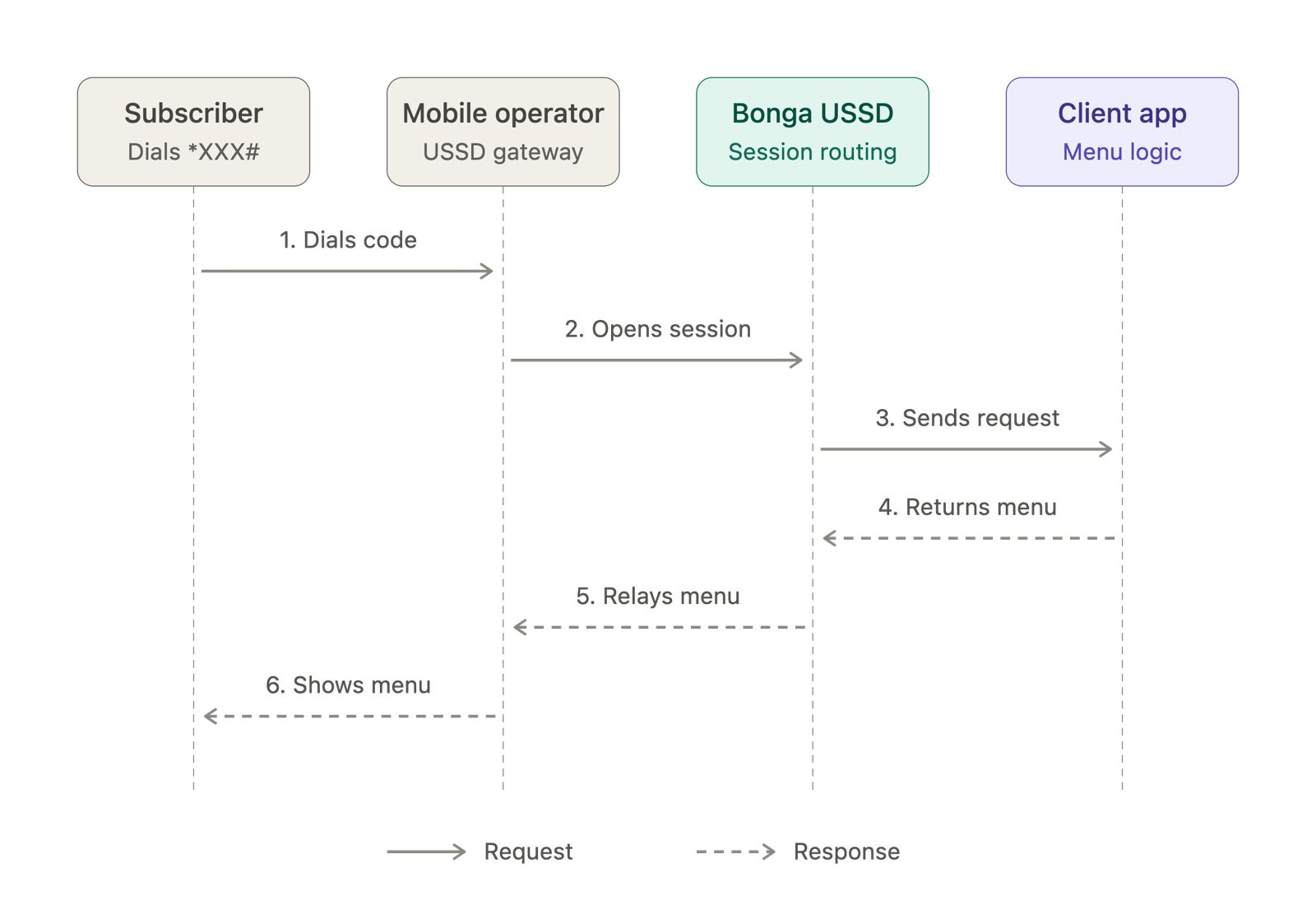
Extension USSD lets multiple services use the same base USSD code. Each service is assigned a unique extension. A user dials the base code followed by the extension, and your application uses that first value in message to route the request to the right service.
Example setup
- Shared base code:
*123# - Your assigned extension:
5 - User dials:
*123*5#
The extension number is assigned during setup. Use the extension provided for your service rather than assuming the example number 5.
Request parameters
| Parameter | Description | Example |
|---|---|---|
mobile_number | User's phone number | 254712345678 |
session_id | Identifier for the active session | 1234567 |
message | Extension followed by user inputs | 5*1*45678 |
service_code | Shared base USSD code | *123# |
network | User's mobile network | Safaricom |
How to route requests
The first message value identifies the extension. For extension 5, the initial request has message=5. When the user makes menu choices, those values follow the extension and are separated by asterisks:
5→ extension only; display the service's first menu.5*1→ extension5, then menu choice1.5*1*45678→ extension5, menu choice1, then account number45678.
Route using the first value, then process only the remaining values as that service's menu inputs.
Example: school portal (extension 5)
The user dials *123*5#. Bonga calls your callback with the shared service code and the extension in the initial message:
GET /ussd?mobile_number=254712345678&session_id=1234567&message=5&service_code=*123%23&network=SafaricomRecognize extension 5 and show its menu:
CON School Portal
1. Check fees balance
2. View report card
3. Contact school
0. Exit
If the user selects 1, the next callback contains message=5*1. Route to the school portal using 5, then handle 1 as “Check fees balance”. For example:
END John Doe - Grade 8
Term 1: KES 15,000 (Paid)
Term 2: KES 20,000 (Pending)
Response format
- Begin a response with
CONto keep the session active and show the next menu or prompt. - Begin a final response with
ENDto close the session. - Return plain text and keep prompts short. Validate inputs after removing the extension value from the menu path.
Read the Dedicated USSD guide if your service has its own USSD code.